
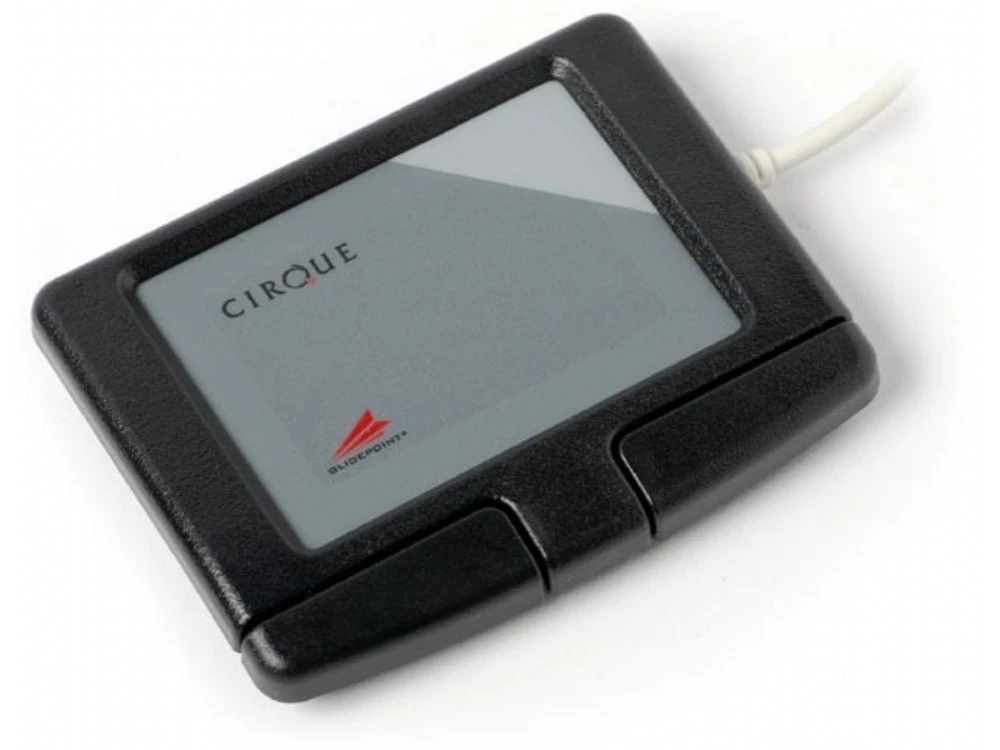
Cirque Easy Cat Glidepoint Touchpad, Black, USB
Original price was: $36.00.$25.20Current price is: $25.20.
- Your questions, our prompt answers.
- 100% High-Quality Guarantee
- Protect Your Wallet with Safe Payments
- Expertly Sourced, Quality Guaranteed

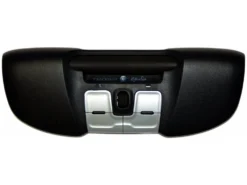
Cirque Easy Cat Glidepoint Touchpad, Black, USB – KBC-TP7U
It’s easy to detect the ‘right’ click area of the pad thanks to the subtle change of pad texture and color. Double-tap and hold your finger on the pad, or hold the left button as your finger glides, to grab, drag and highlight any item on-screen. Activate vertical scroll by simply gliding a finger along the right edge of the touchpad. The GlideExtend® edge extending feature makes it easy to keep moving the cursor after you’ve run into the touchpad’s edge. The Cirque Easy Cat® works ‘out of the box’ with all native Microsoft Windows® operating systems; no drivers required.
GP160U-0321
Cirque Easy Cat Glidepoint Touchpad, Black, USB – KBC-TP7U
Be the first to review “Cirque Easy Cat Glidepoint Touchpad, Black, USB”
Related products
Pointing Devices
Pointing Devices
Pointing Devices
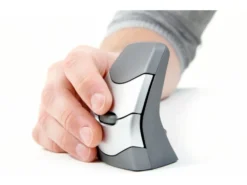
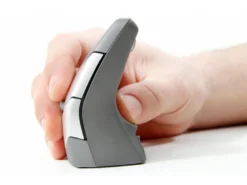
DXT Wireless Precision Mouse, Vertical, Left And Right Handed
Pointing Devices
Pointing Devices
Pointing Devices
Pointing Devices
Pointing Devices
Reviews
There are no reviews yet.