
Mousetrapper Lite
Original price was: $234.00.$98.99Current price is: $98.99.
- Your questions, our prompt answers.
- 100% High-Quality Guarantee
- Protect Your Wallet with Safe Payments
- Expertly Sourced, Quality Guaranteed

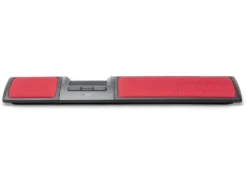
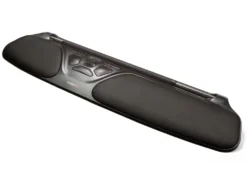
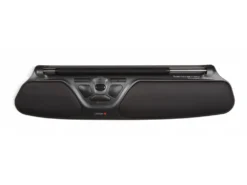
Mousetrapper Lite – MT115
Mousetrapper Control Pad
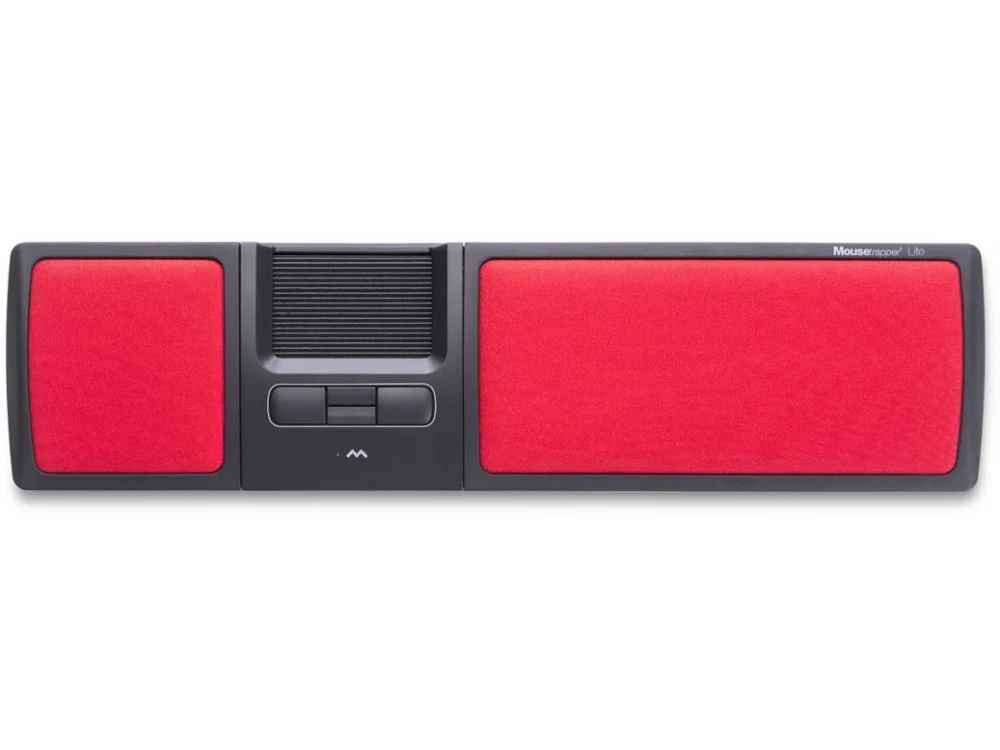
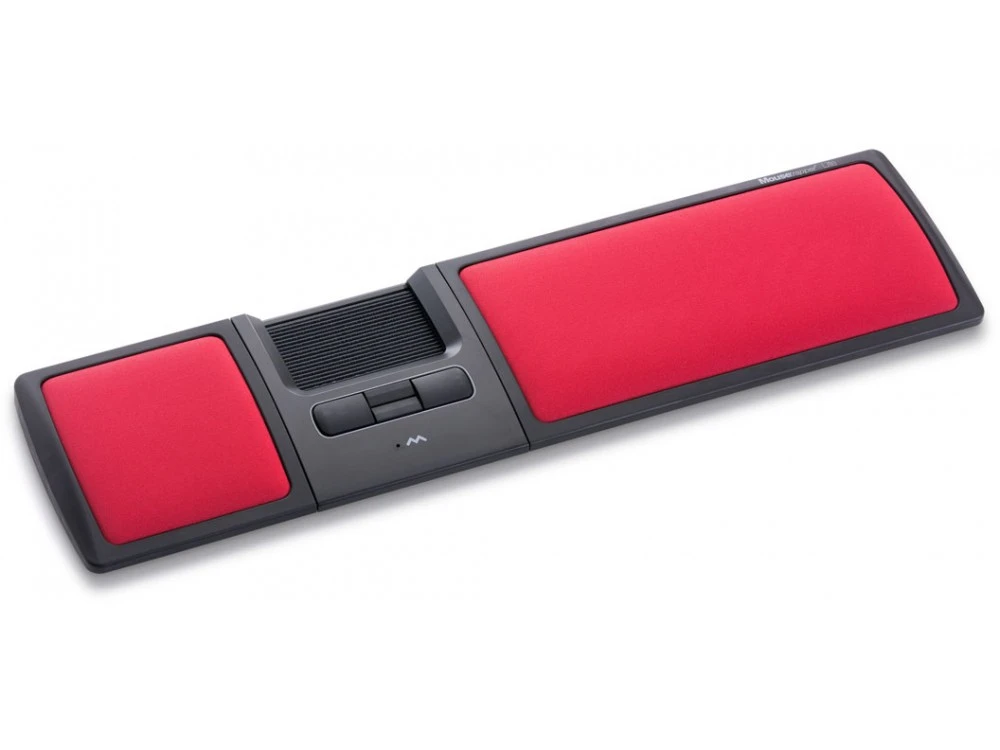
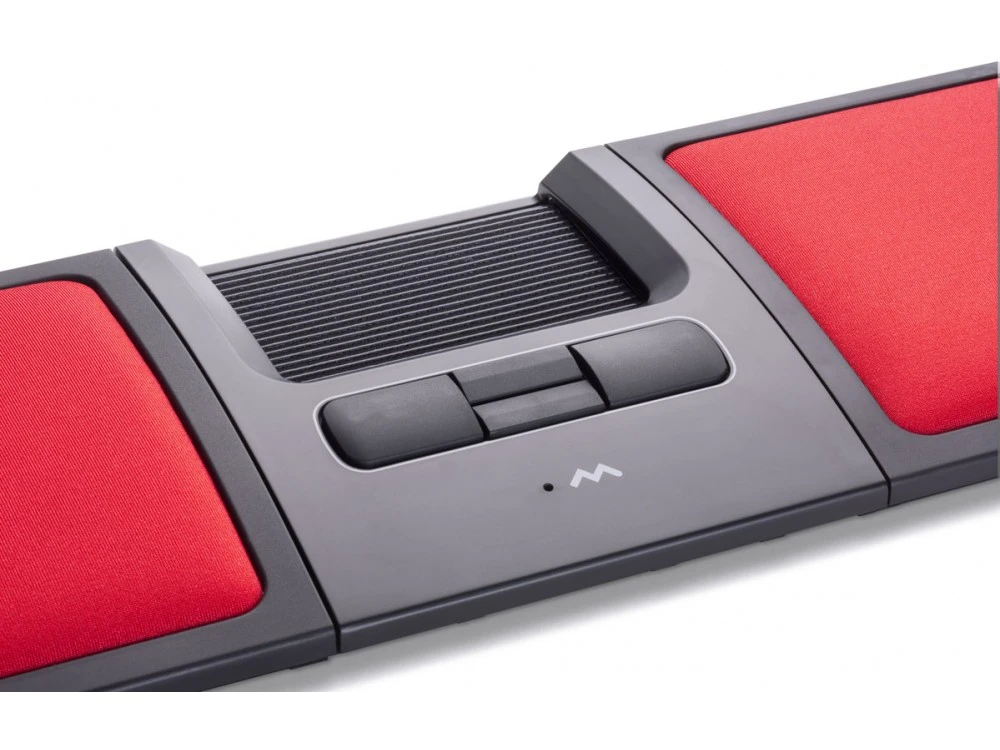
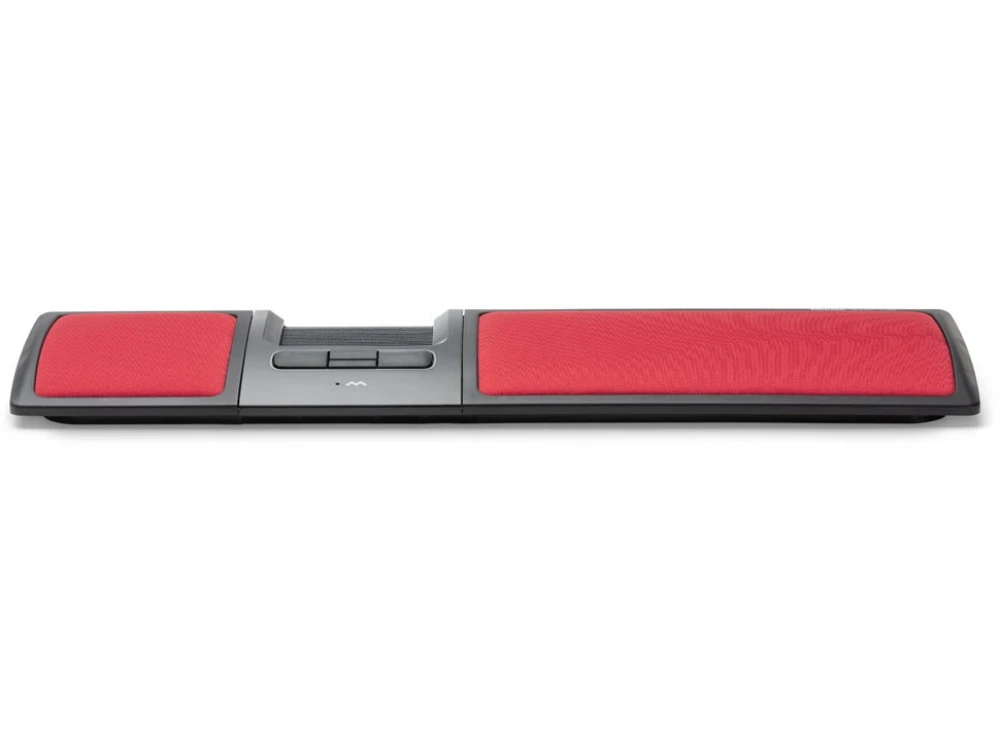
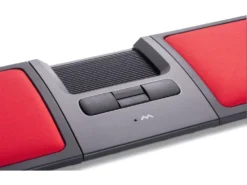
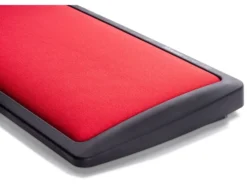
The Mousetrapper Control Pad is not a touch pad, it’s a mechanical control pad with a very unique tactile feeling. By placing your index, middle and ring fingers on the control pad you can control the cursor with simple movements as the control pad moves smoothly in two dimensions. It is easy to use and gives the user maximum flexibility with the option of clicking directly on the Control Pad.
Why use a centrally positioned mouse?
A centered position for your hands is essential to prevent RSI. Overstretching the arm to reach for the mouse beyond the keyboard is a common trap. By using an ergonomic mouse like Mousetrapper you get an ergonomically healthy position that keeps your arms and hands relaxed. It has been found that a centered mouse, often after only a couple of weeks, provides a noticeable improvement.
Key Functions
- Four buttons with scroll and auto-scroll functions
- Control pad with click function
- USB plug n play
Compatible with all PC and Mac computers with a USB port.
Included: The Mousetrapper Lite comes with a USB cable for easy connection and an instruction guide to help you get your Mousetrapper quickly up and running.
Mousetrapper Lite – MT115
Be the first to review “Mousetrapper Lite”
Related products
Pointing Devices
Pointing Devices
Pointing Devices
Pointing Devices
Pointing Devices
Pointing Devices
Pointing Devices
Pointing Devices
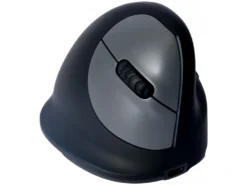
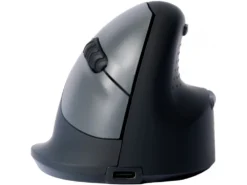
R-Go HE Break Ergonomic Vertical Bluetooth Mouse Small Right
Reviews
There are no reviews yet.