
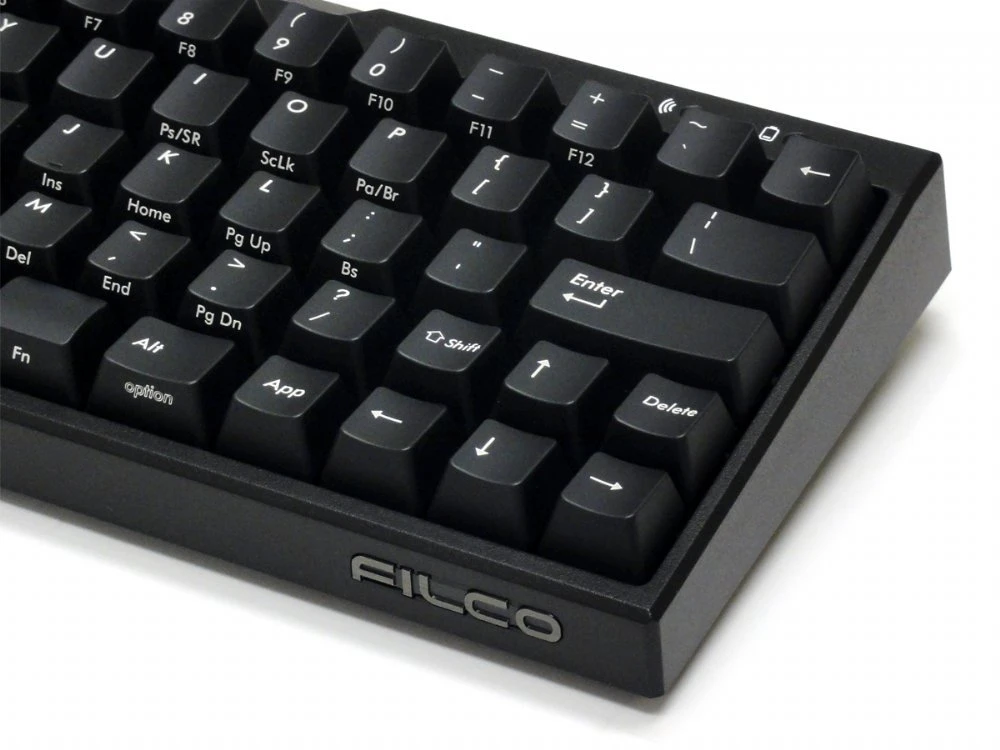
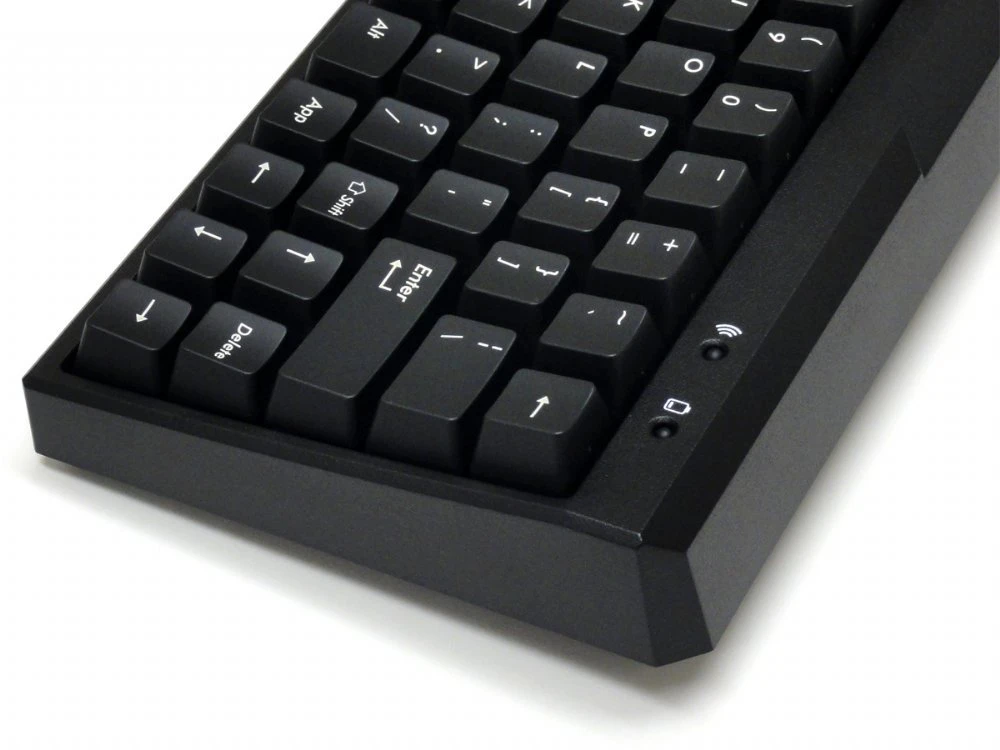
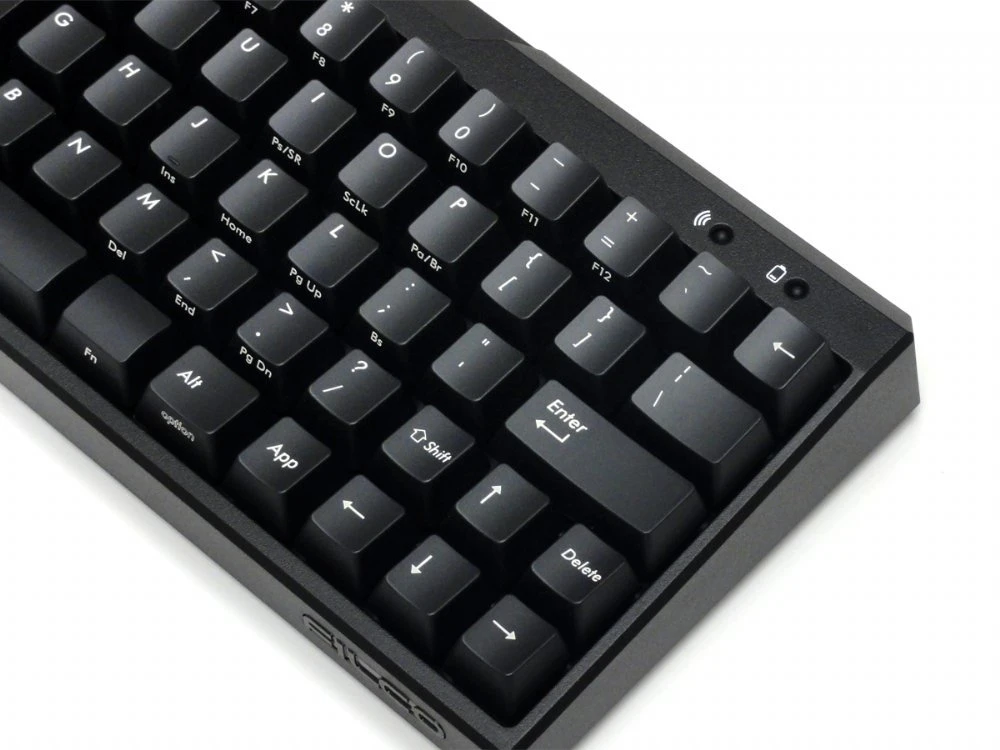
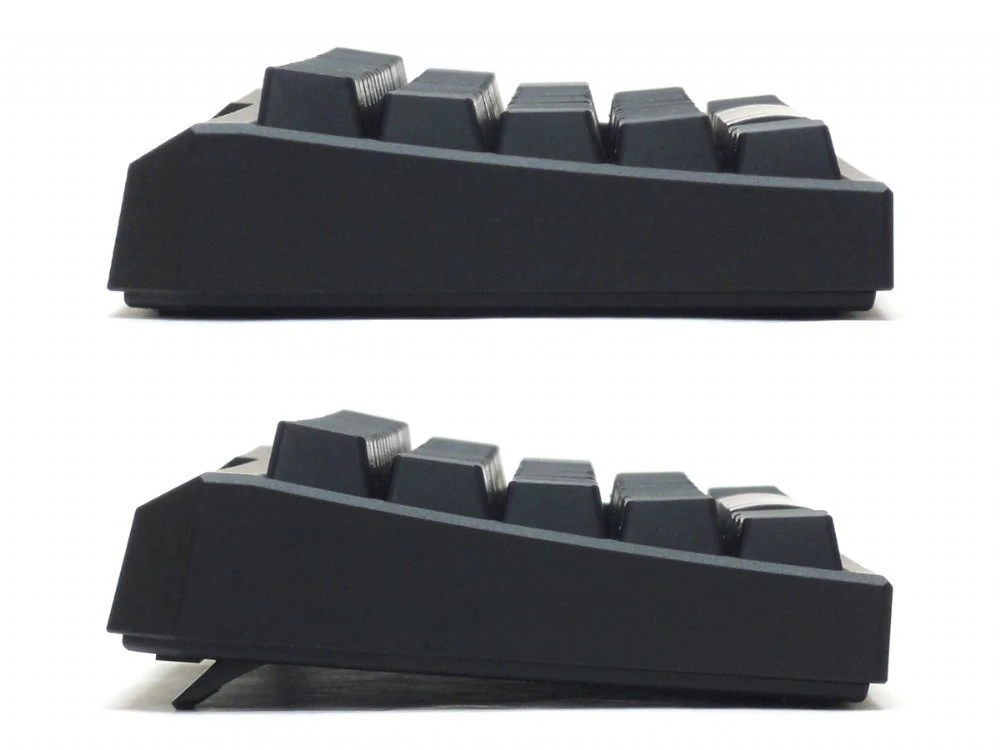
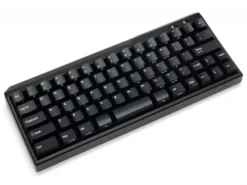
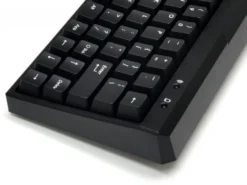
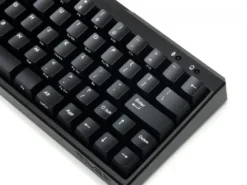
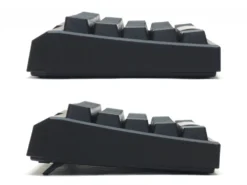
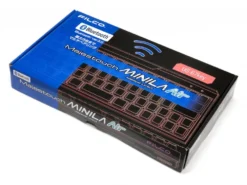
USA Majestouch MINILA Air 67 Key MX Blue Click Bluetooth Keyboard
Original price was: $120.00.$84.00Current price is: $84.00.
- Your questions, our prompt answers.
- 100% High-Quality Guarantee
- Protect Your Wallet with Safe Payments
- Expertly Sourced, Quality Guaranteed

USA Majestouch MINILA Air 67 Key MX Blue Click Bluetooth Keyboard – FFBT67MC/EB
We focused on the least frequently used digits, the thumbs, and let them work with the Function keys.
Just keep your thumbs busy and you’ll get a lot of work done much easier than on a normal keyboard!
You can use whichever thumb you want.
This keyboard can work well for anybody!
Professionals, intermediate or even beginner class!
Once you get used to typing on MINILA Air, you will not want to go back typing on a normal keyboard![Design rights pending]
You can use MINILA Air even more conveniently with FN keys
You can type cursor keys with a combination of FN key.
Pressing FN key and E/S/D/F simultaneously corresponds to up/left/down/right respectively.
With this solution, you can keep your home position and still type arrows very easily.
Pressing FN key plus the [:;] key simultaneously functions as backspace.
This will allow you to command backspace without changing your home position.
These combinations will offer you a faster typing environment.
More configurable
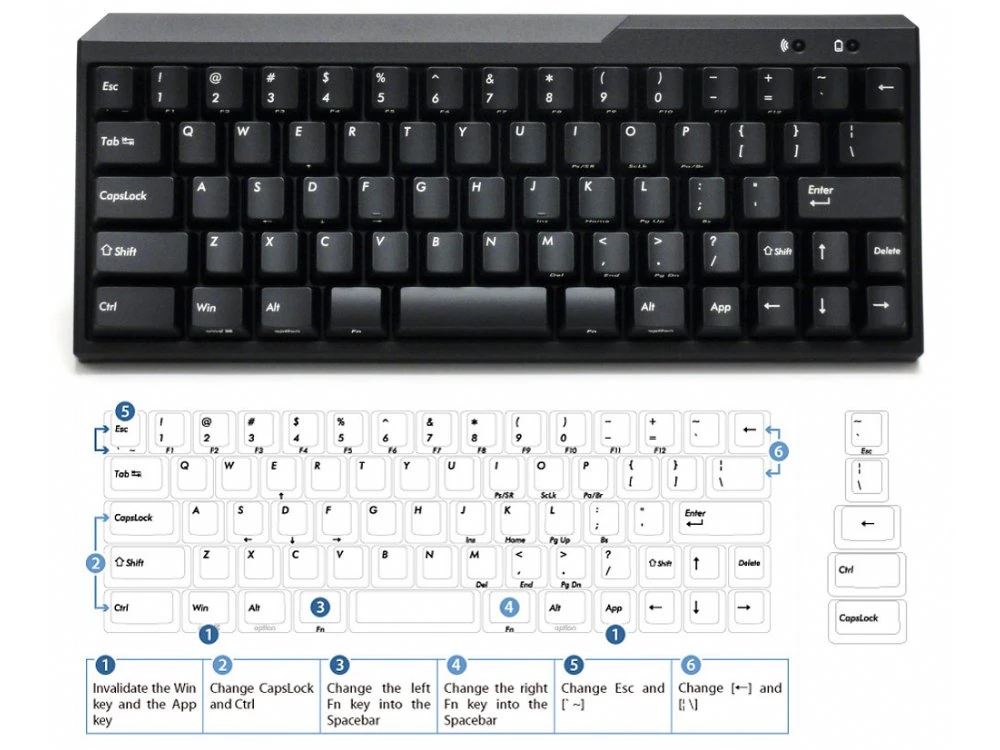
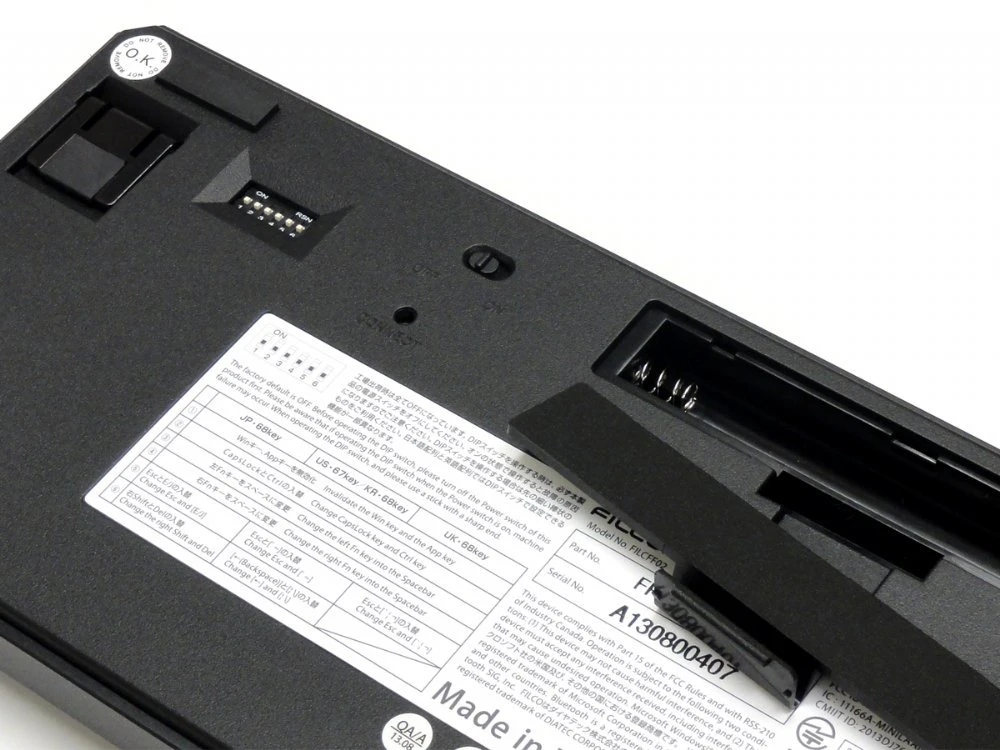
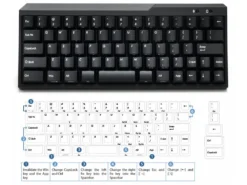
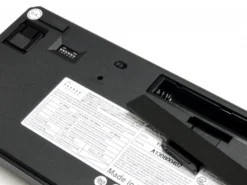
- 5 dip switch settings:-
- Switch off Windows and App keys
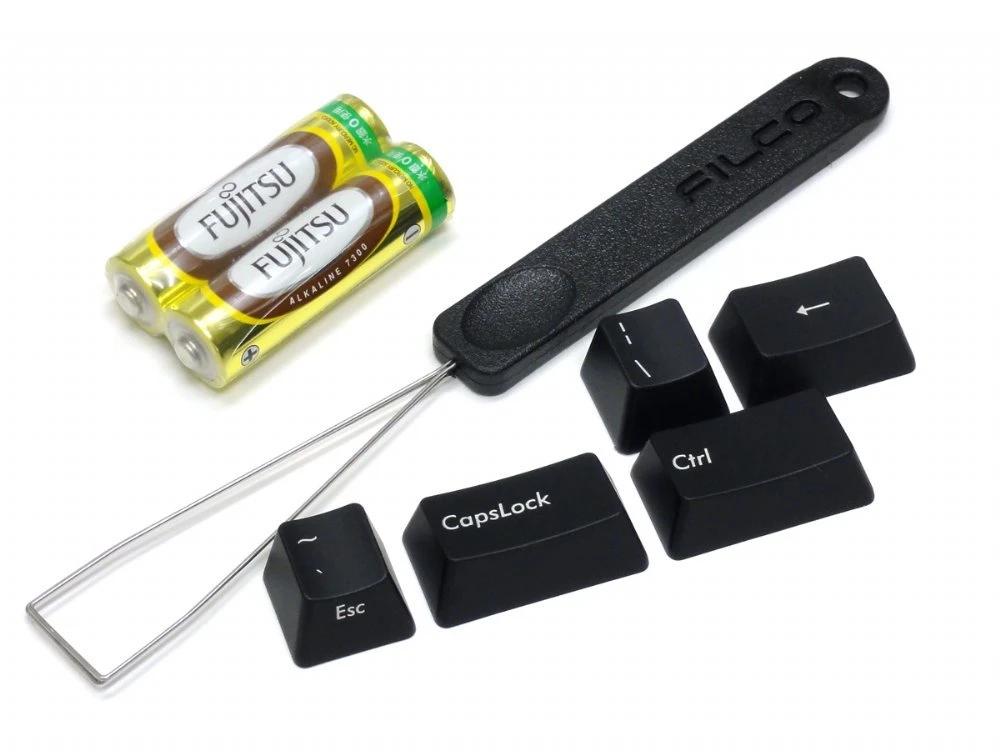
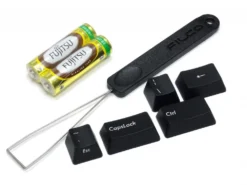
- Swap left CTRL and CapsLock (key caps included)
- Change left FN key into space
- Change right FN key into space
- Swap ESC / [`~] function (key cap included)
- Swap Backspace and [¦] (key caps included)
USA Majestouch MINILA Air 67 Key MX Blue Click Bluetooth Keyboard – FFBT67MC/EB
Be the first to review “USA Majestouch MINILA Air 67 Key MX Blue Click Bluetooth Keyboard”
Related products
Mechanical Keyboards

Mechanical Keyboards
Filco Convertible 2 Tenkeyless MX Blue Click UK ISO Keyboard
Reviews
There are no reviews yet.