
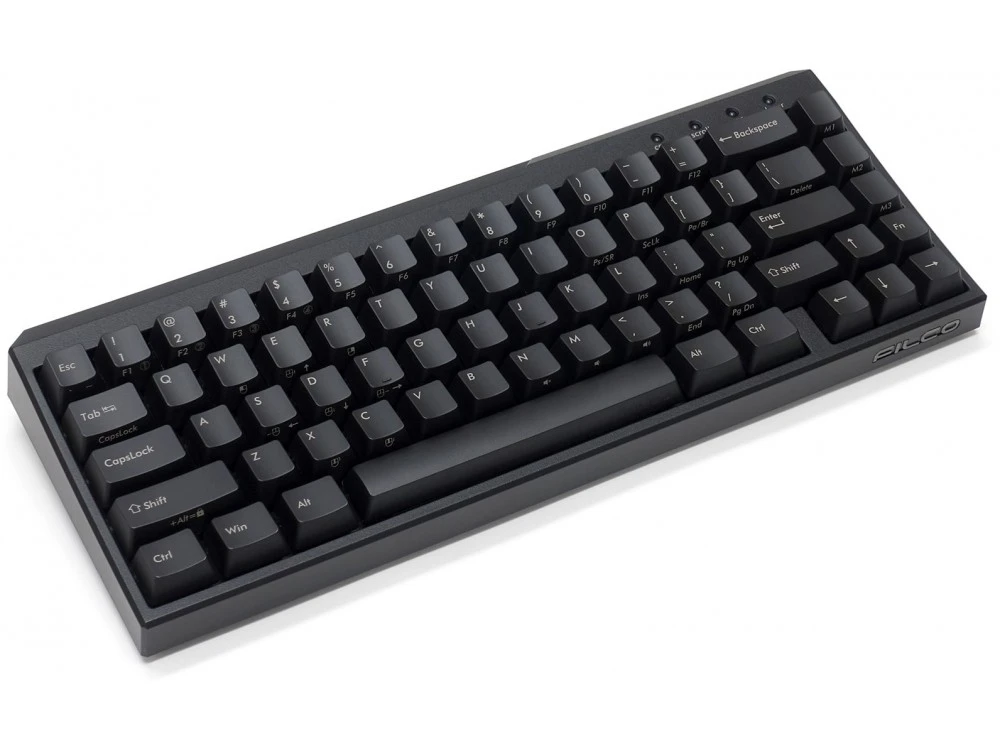
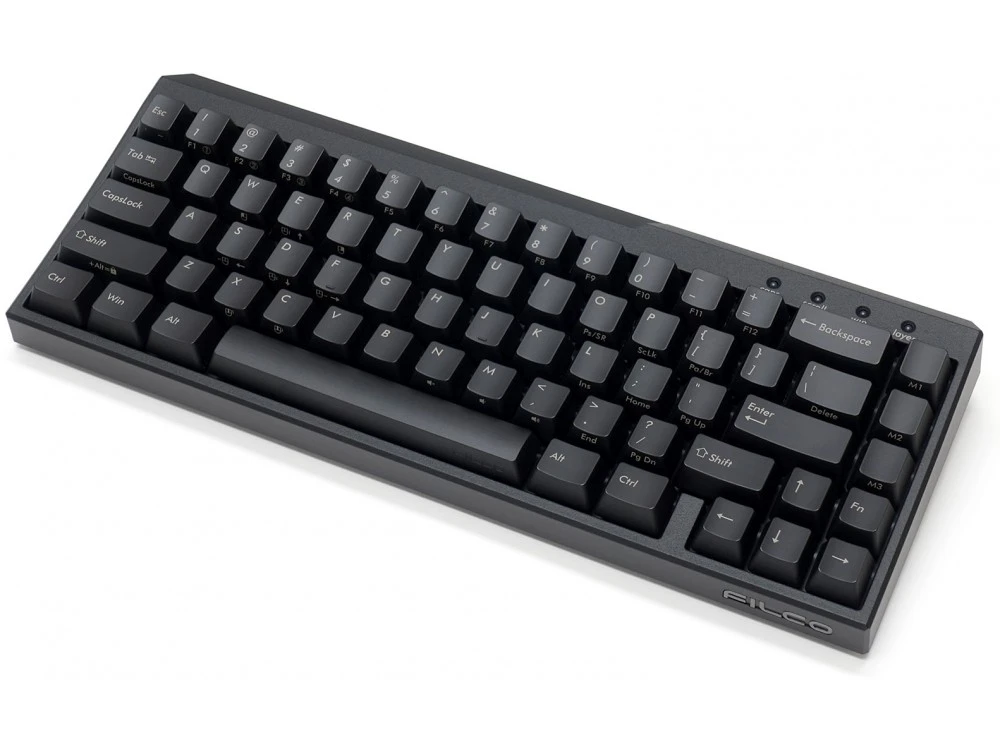
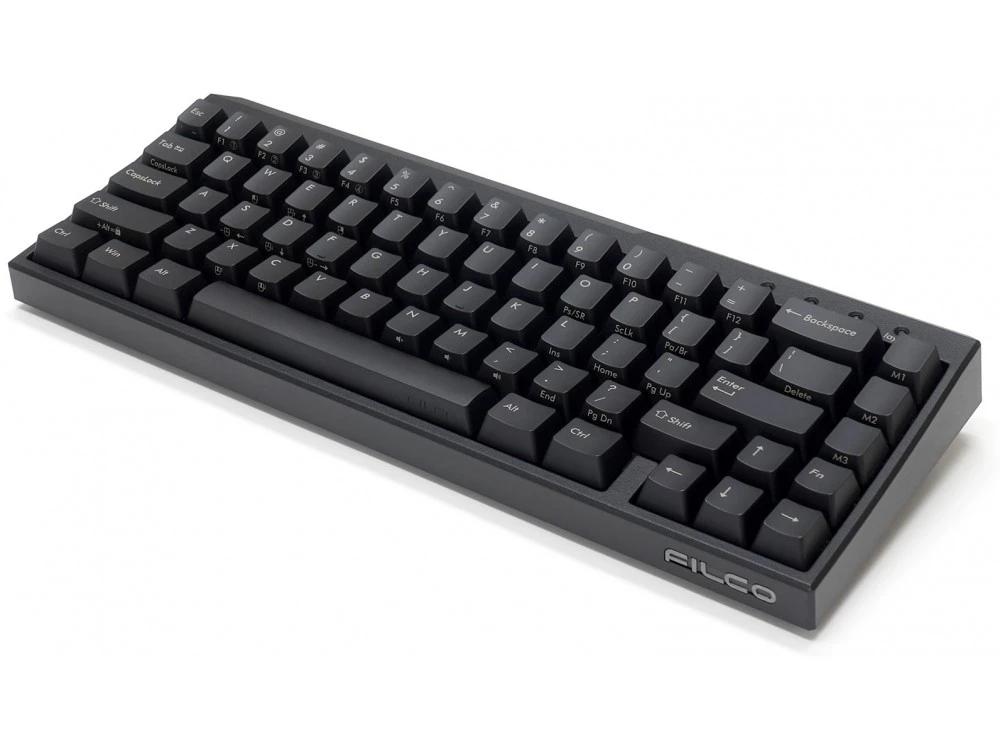
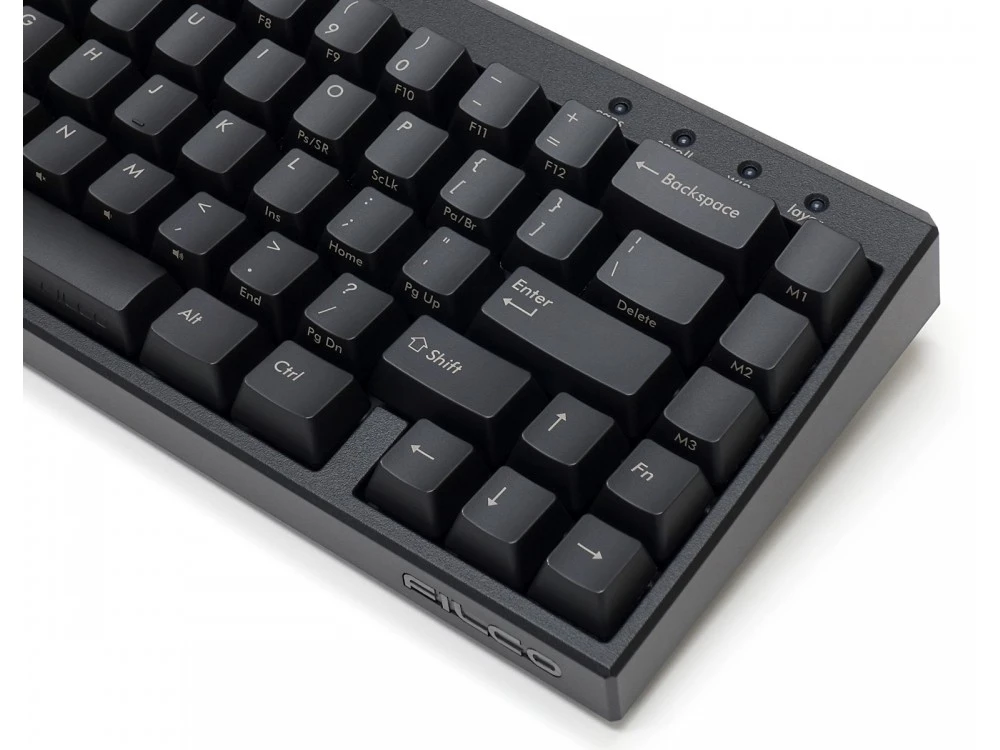
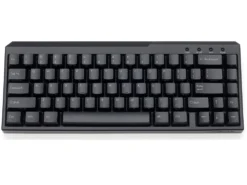
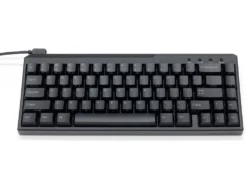
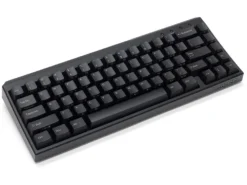
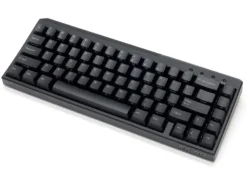
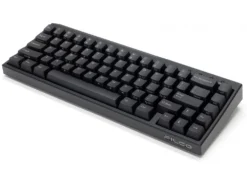
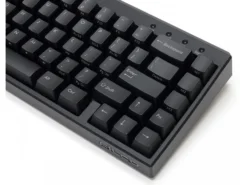
USA Majestouch Xacro M3A Programmable MX Brown Tactile Keyboard
Original price was: $160.00.$98.99Current price is: $98.99.
- Your questions, our prompt answers.
- 100% High-Quality Guarantee
- Protect Your Wallet with Safe Payments
- Expertly Sourced, Quality Guaranteed

USA Majestouch Xacro M3A Programmable MX Brown Tactile Keyboard – FKBX67M/EB
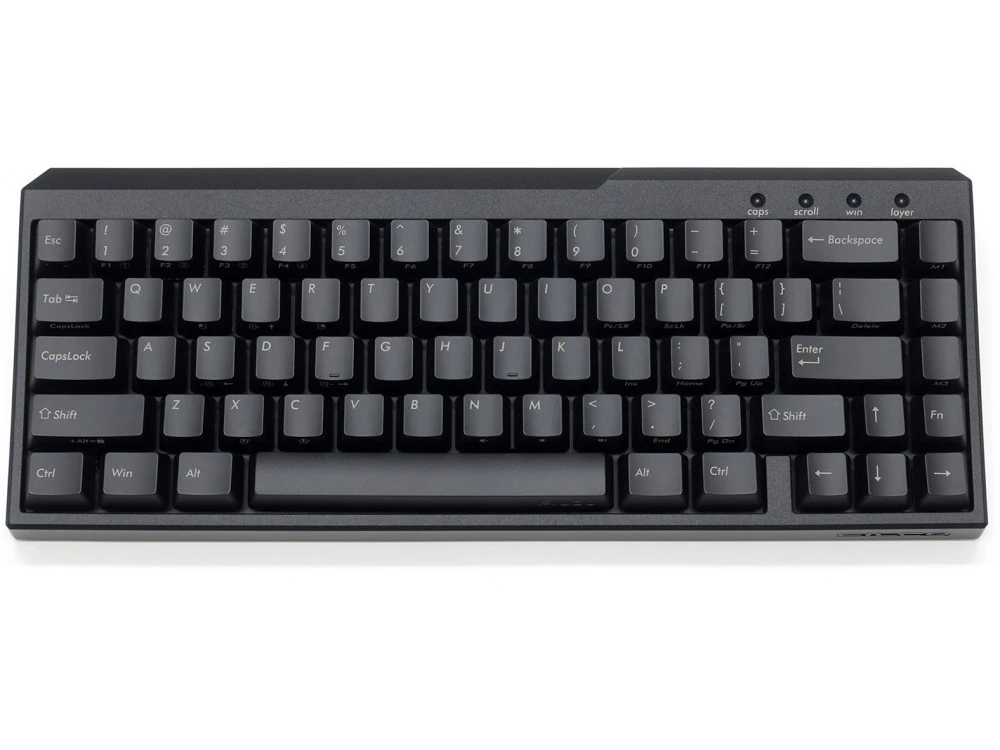
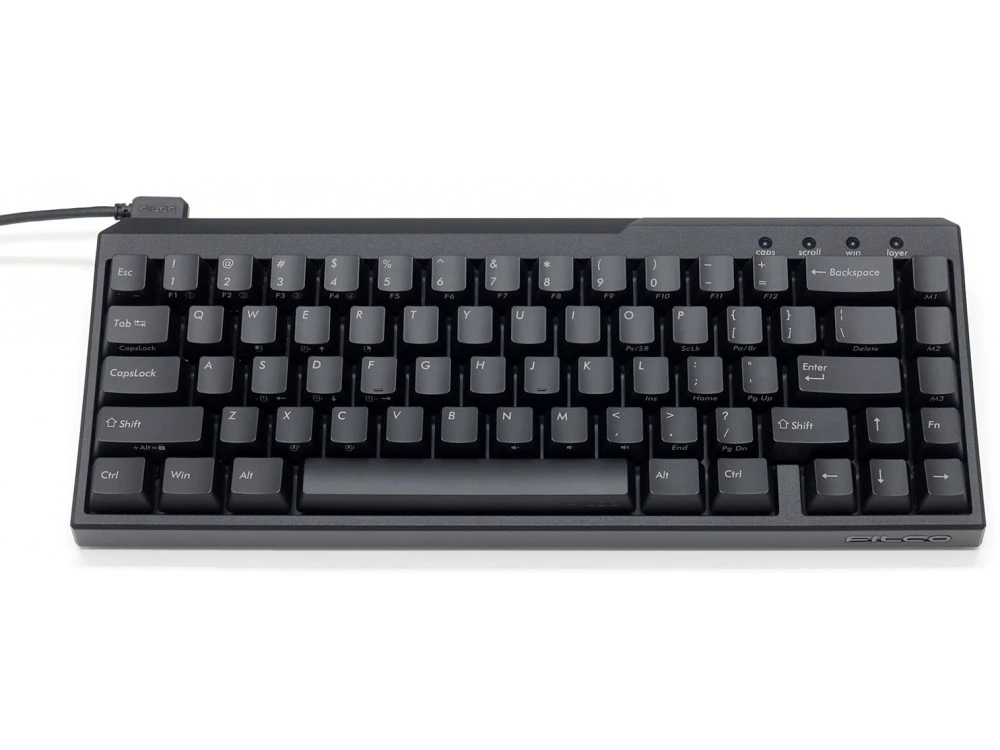
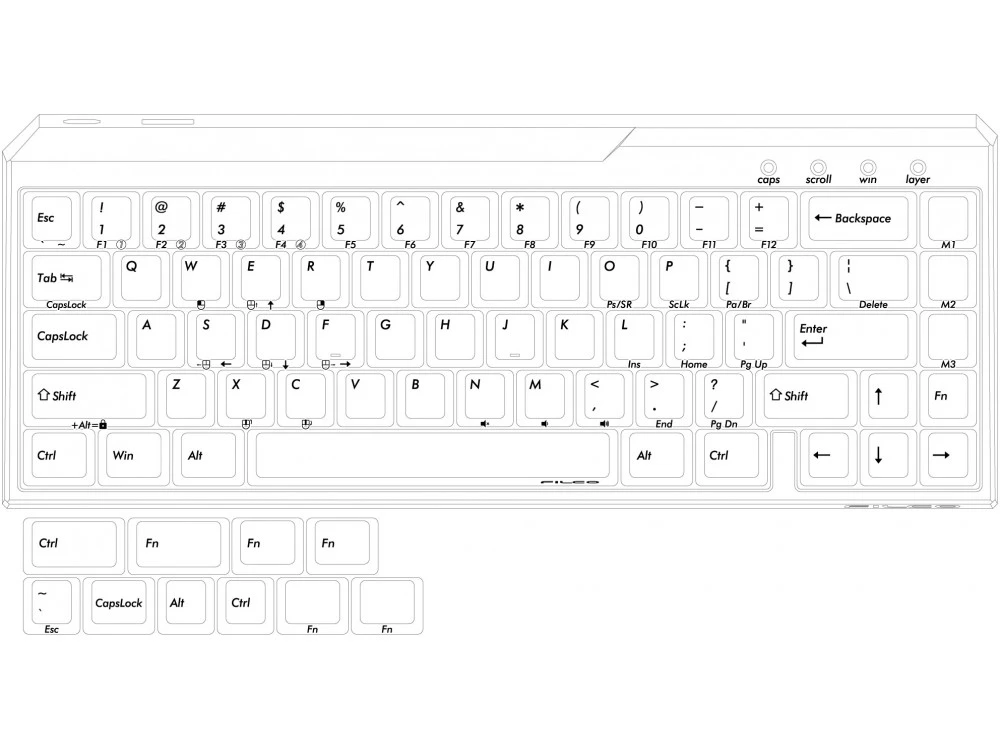
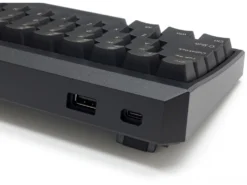
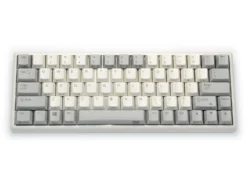
You can switch layers to make a single high-specification keyboard with 4-in-1 functions! Although it is a space-saving keyboard, it can be used for typing just like a full keyboard by pressing the Fn key together. In addition, four profiles can be registered to a single keyboard, and they can be switched easily.
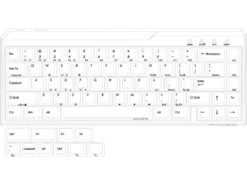
In addition to the basic QWERTY keyboard, the DIP switch can be used to switch between Dvorak, Colemak and Mac keyboards. Even without Macro settings, the basic layout can be easily customized by DIP switch operation.
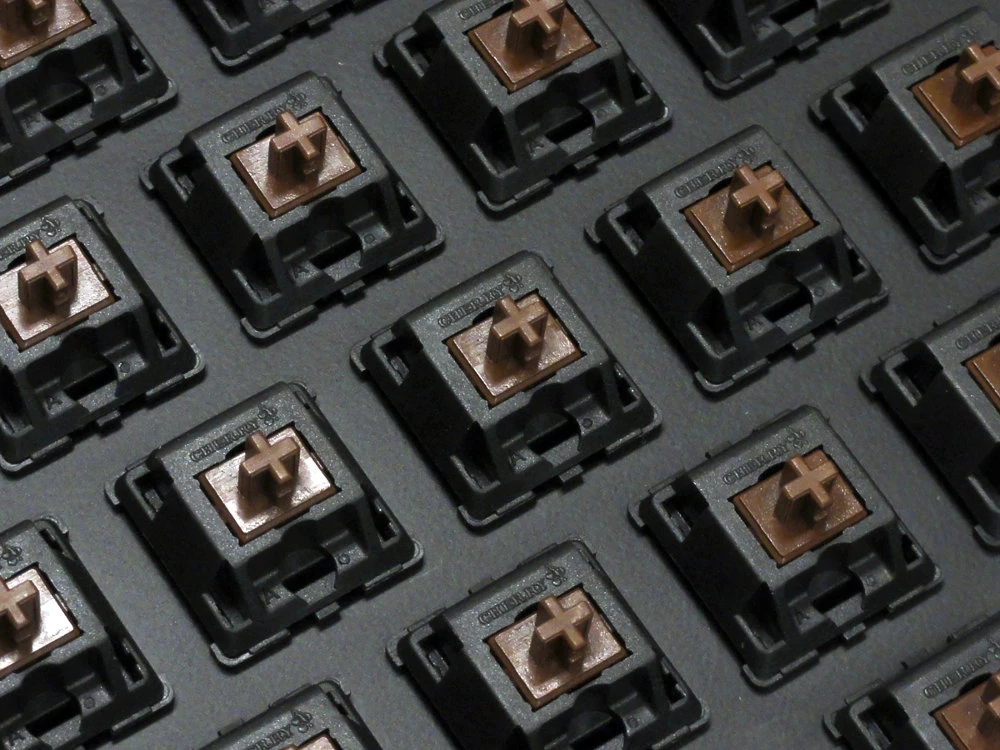
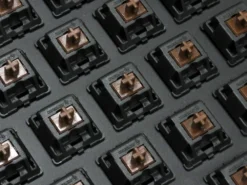
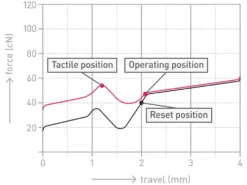
Majestouch Xacro uses Genuine CHERRY MX switches for each key switch, as with all Majestouch series keyboards and the keycaps are made of PBT (polybutylene terephthalate) resin, which has excellent wear resistance and electrical characteristics.
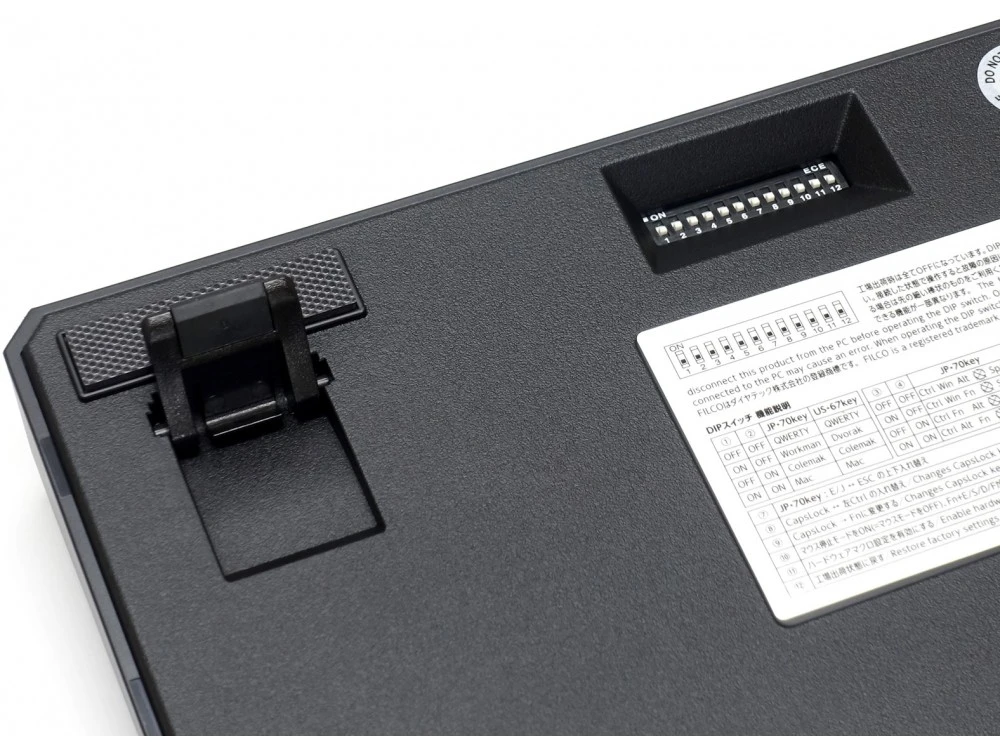
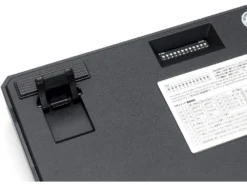
Dip switches
- 1 & 2 – Change layout, QWERTY, Dvorak, Colemak and Mac
- 3 & 4 – Change bottom row left keys functions
- 5 & 6 – Change bottom row right keys functions
- 7 – Swap Esc key with [` ~] keys
- 8 – Changes CapsLock key and left Ctrl key
- 9 – Changes CapsLock key to Fn key
- 10 – Turn on the mouse stop mode (mouse mode is OFF), and Fn + E/S/D/F become cursor keys
- 11 – Enable hardware Macro setting mode
- 12 – Restore factory settings
The Majestouch Xacro allows you to set Macros for M1~M3 keys on Layer 1 (Basic layer), and all keys except for the DIP switch-swapped keys and the left shift key on layer 2 to 4, macro contents can be registered up to 32 strokes. (This includes keystroke interval registration.) If the keystroke interval is not set, the keystroke interval will be programmed at 15 ms (can be set to 5ms, 10ms and 25ms). Hardware Macro settings are not available when the dedicated software “FILCO Assist” is running.
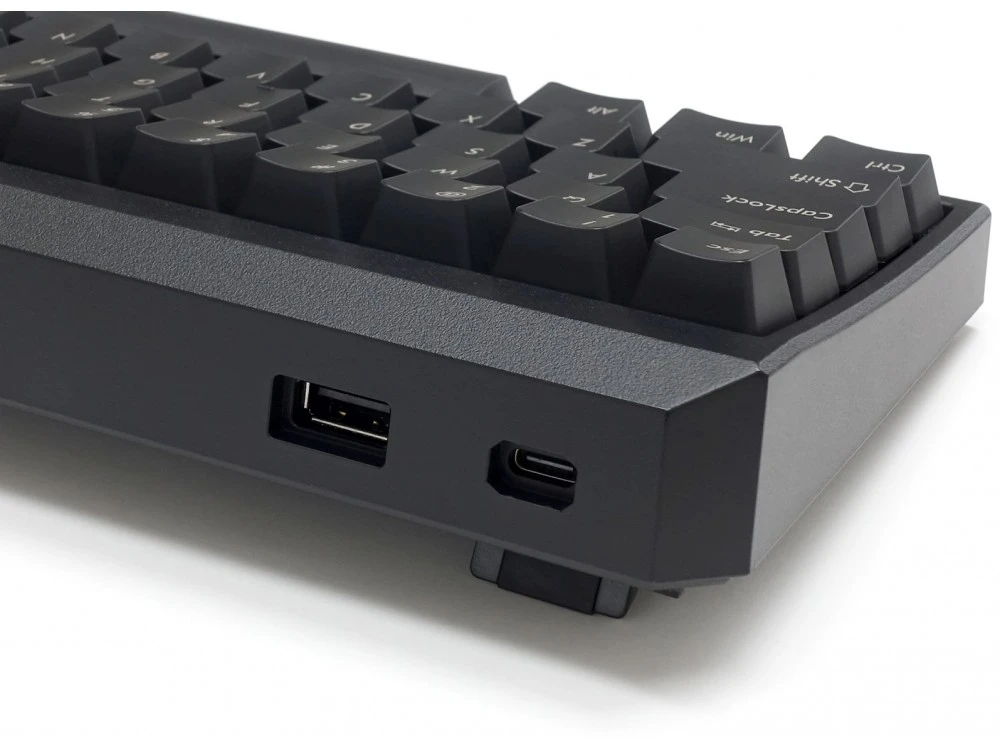
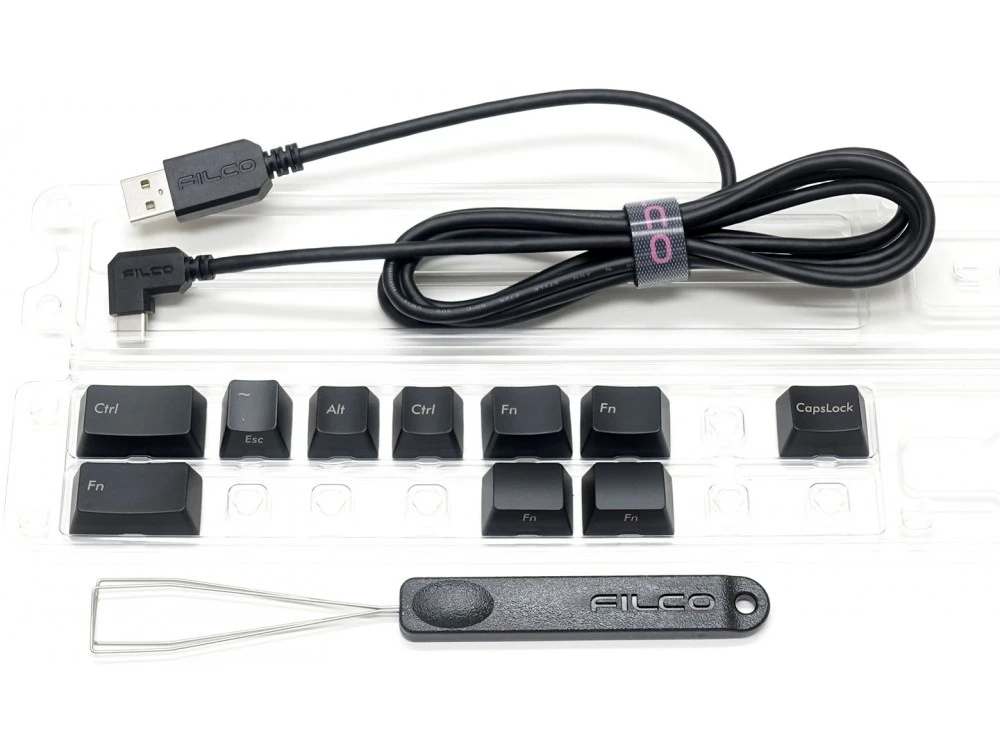
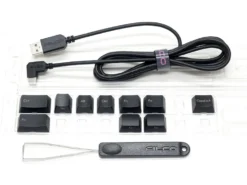
Includes USB cable, additional key caps, key puller and user manual.
USA Majestouch Xacro M3A Programmable MX Brown Tactile Keyboard – FKBX67M/EB
Be the first to review “USA Majestouch Xacro M3A Programmable MX Brown Tactile Keyboard”
Related products
Mechanical Keyboards
UK Keychron K2v2 Bluetooth Backlit Hot-Swap Tactile Mac/PC Keyboard
Mechanical Keyboards
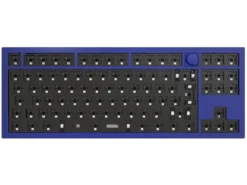
ISO Keychron Q3 QMK RGB Barebone Aluminium Mac/PC Navy Blue Custom Keyboard With Knob
Mechanical Keyboards
UK Filco Majestouch 2 Tenkeyless Silent S MX Soft Linear Keyboard
Reviews
There are no reviews yet.